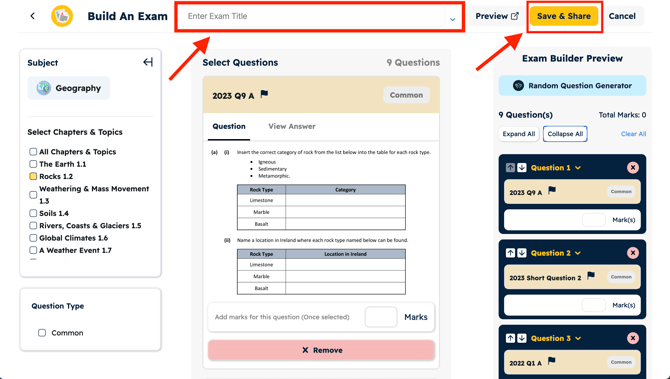
To save an exam after making it please click the 'save & share' button in the top right corner, here you can download the exam to print or share with your students.
To learn how to build an Exam, please click here!😊
Please make sure to give your exam a 'title' at the top of the page before saving and downloading the exam!
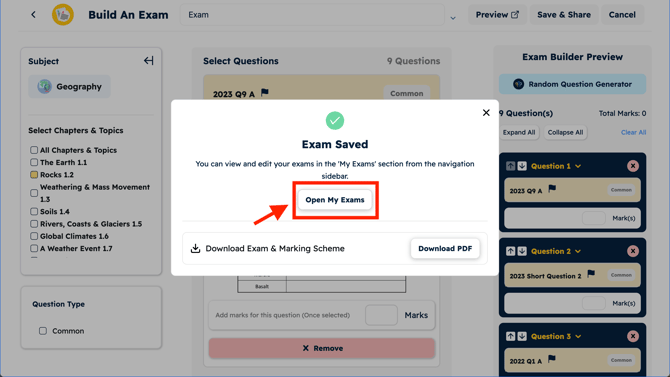
Once you have downloaded your exam you can view all your previous exams made by clicking on 'Open My Exams'.
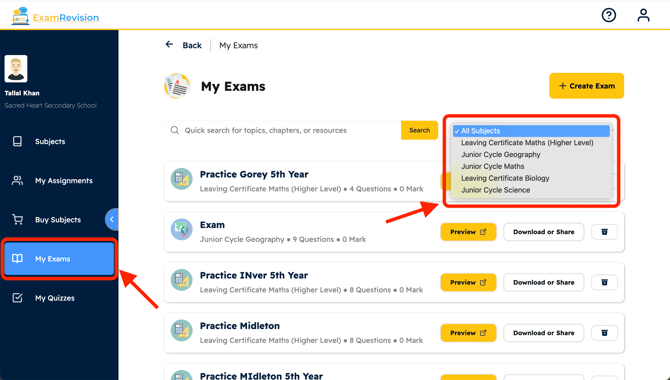
Here you will see any and all exams you have created and you can filter by subject in the drop down menu in the top right hand corner!