
To create an exam on ExamRevision:
-
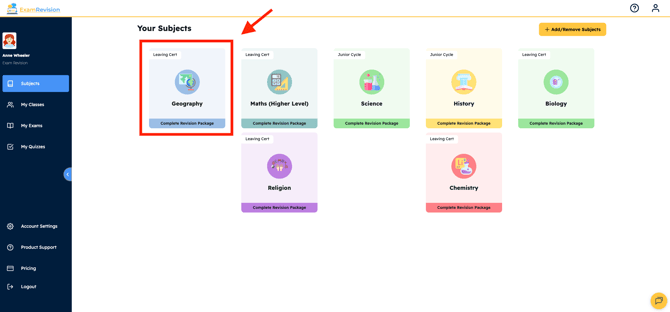
Log in to your account & select the subject you are looking for.
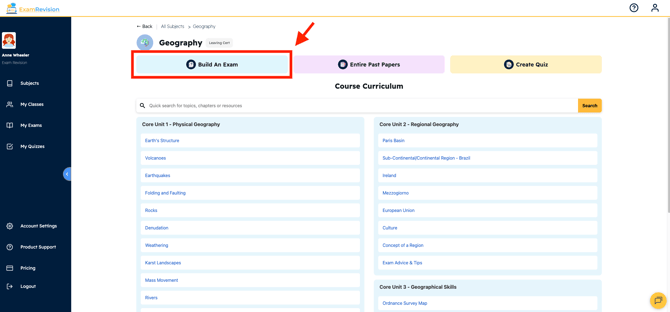
- Select Build an Exam.
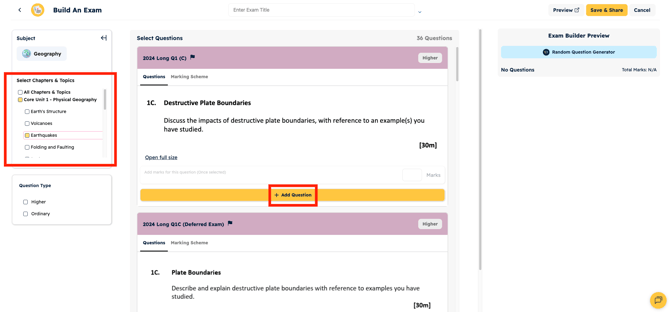
- Choose exam questions from the list; you can filter them out by topic on the left.
- Once complete, fill in a title, the marks for each question, and you can then save and close or preview your current exam.
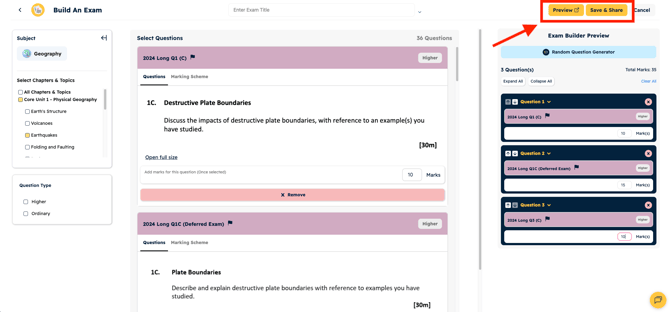
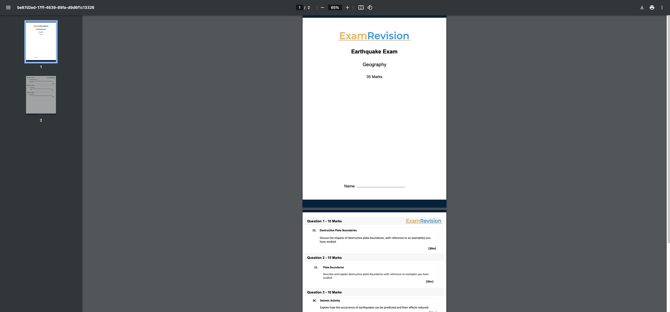
- Preview your Exam Questions.
Video Tutorial👇