
The Random Quiz Generator lets you quickly test your knowledge on any topic by creating a quiz with a mix of random questions.
To use it:
-
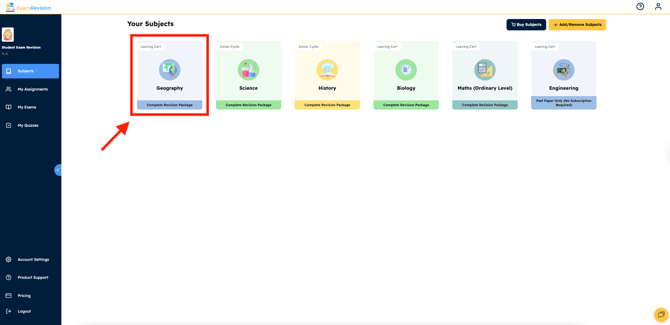
Log in to your ExamRevision.ie account & choose your preferred subject.
-
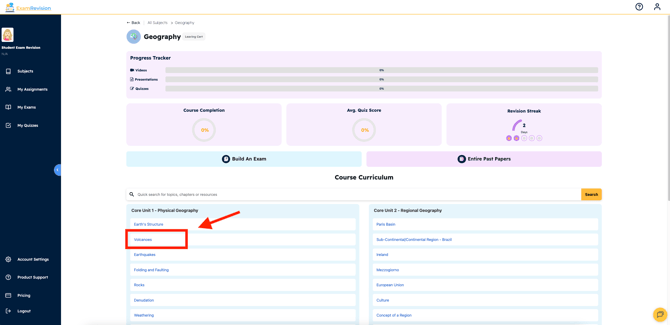
Select a Topic you’d like to study.
-
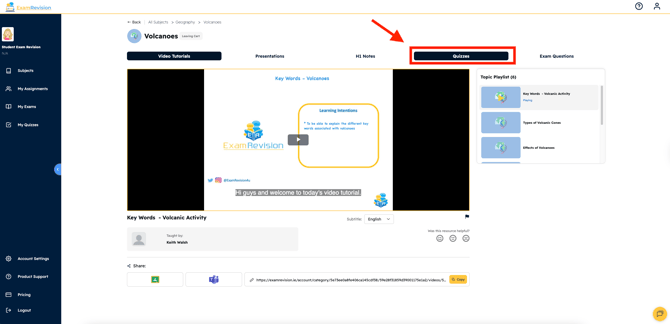
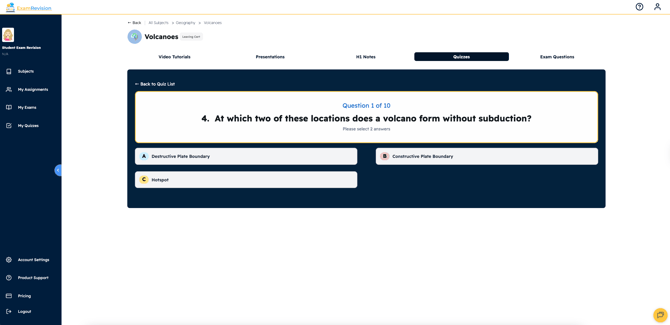
Click on the Quizzes tab at the top of the topic page.
-
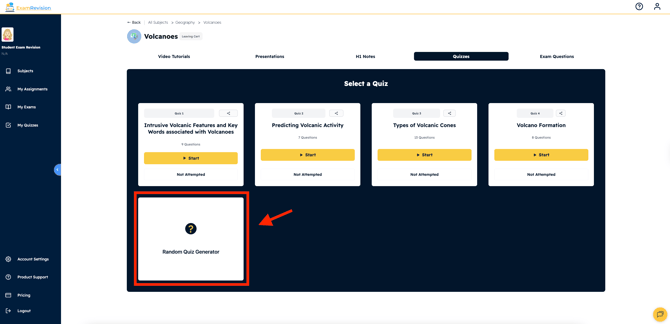
Select Random Quiz Generator.
-
The system will instantly create a new quiz with random questions from that topic. Complete your quiz and check your results at the end.
Video tutorial 👇