
To share the quizzes you have created with other teachers in your school:
-
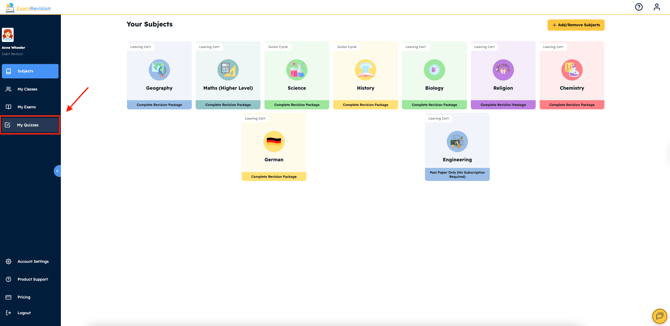
Log in to your account & tap on the My Quizzes tab.
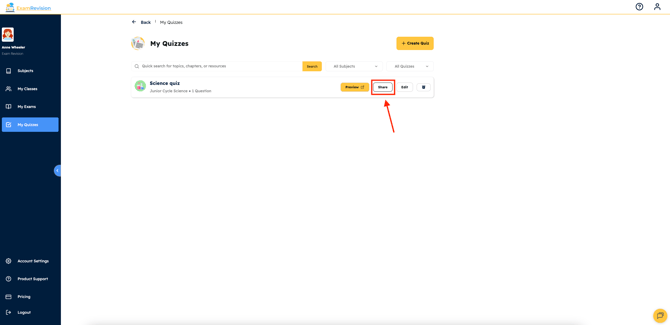
- Click on the 'Share' button beside the quiz you wish to share with another teacher.
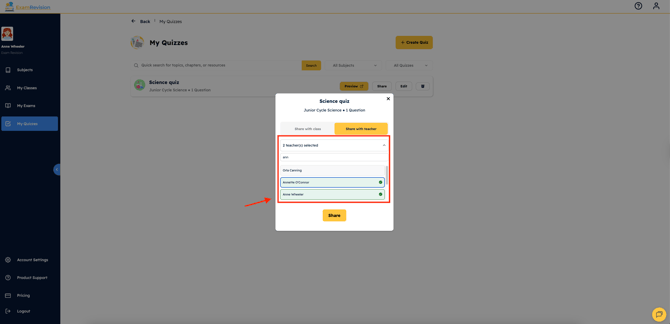
- Select 'Share with Teacher' and either scroll through the list or type the name of the teacher in the search bar. You can select multiple teachers, and you will also see a shared yellow tab beside any teachers you have already shared with.
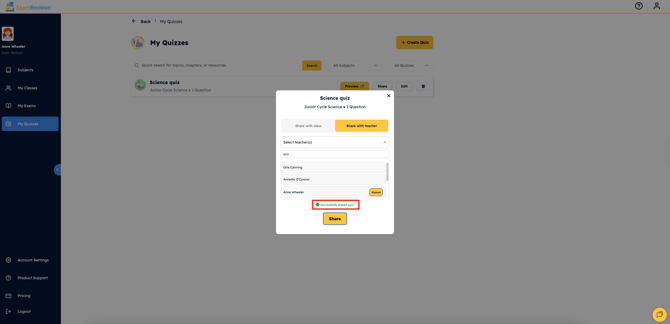
- Once you have clicked 'Share', it will automatically be added to the dashboard of your chosen teacher. Both of you can also edit the quiz without affecting the other person's version.
Video Tutorial👇