
If you are getting the error below when trying to open your downloaded exams, we have outlined the fix in this article😊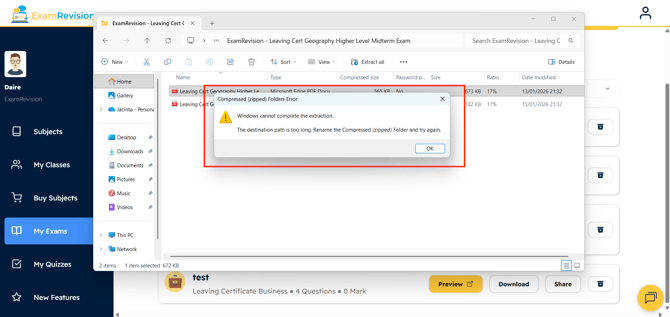
To download and view an Exam:
1. Sign into your ExamRevision account and go to the Exams tab in the left sidebar.
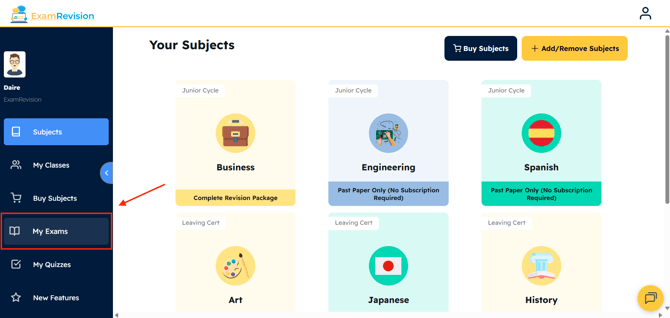
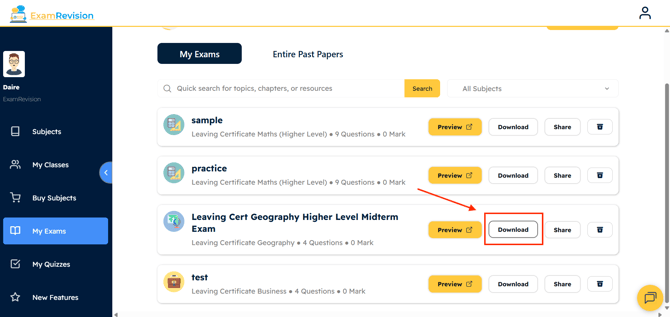
2. Select Download beside the exam you wish to save to your computer.
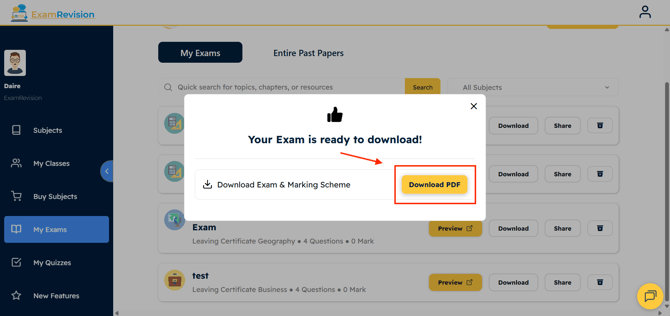
3. Confirm the download by pressing Download PDF on the page.
4. Once downloaded, open the folder and move its location to another destination, like your Desktop or Documents.
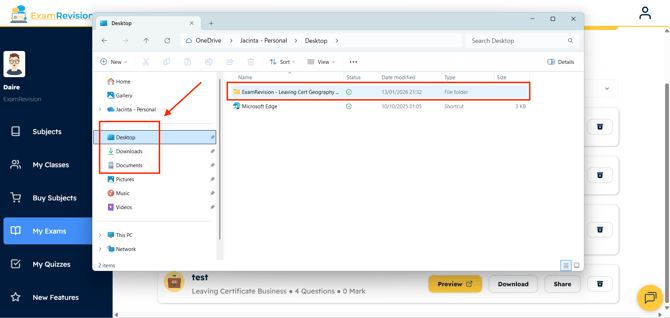
5. You should now be able to Open & View your Exams & Marking Scheme😊
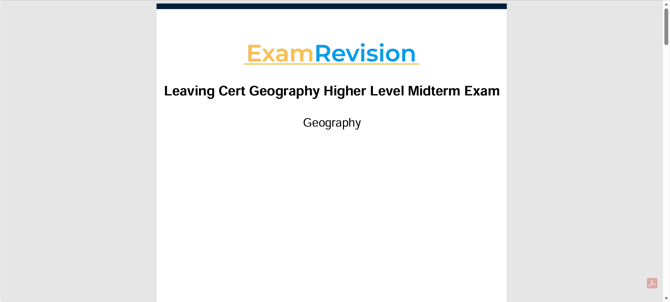
Video Tutorial👇