
To edit an exam on ExamRevision:
-
Log in to your account and open the Exams tab from the left-hand sidebar.
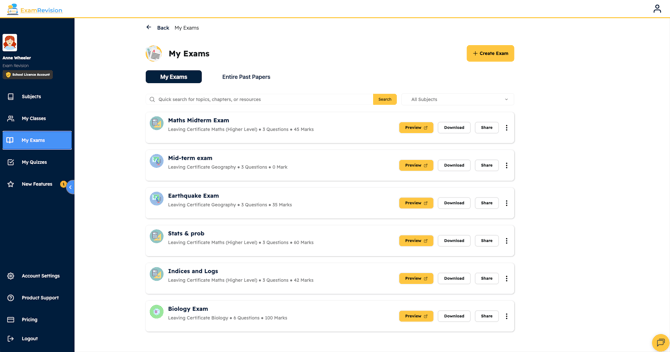
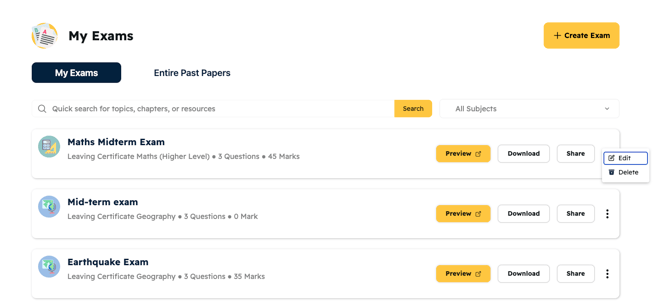
2. Find the exam you want to edit & click the three dots beside that exam and select Edit.
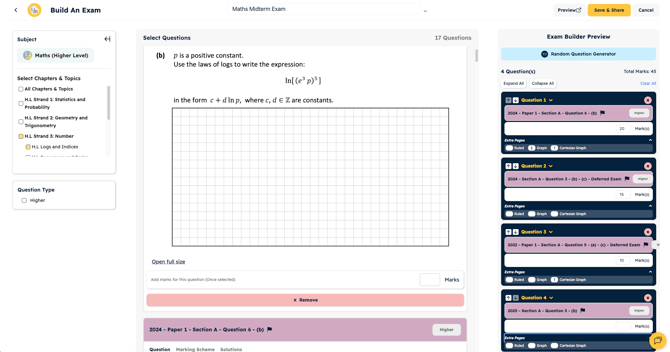
Once you’re in the editor, you can:
-
Add or remove questions
-
Add extra ruled, graphed, or Cartesian graph pages
- Change marking weight.
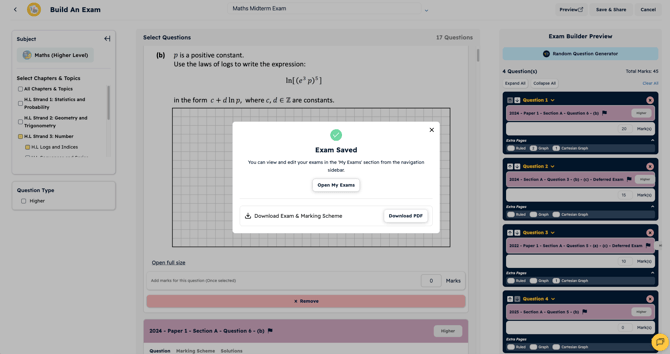
When you’re finished making changes, click Save & Share in the top-right corner.
Your updates will be saved and applied to the exam straight away.
Video Tutorial👇